Description
What You’re Getting:
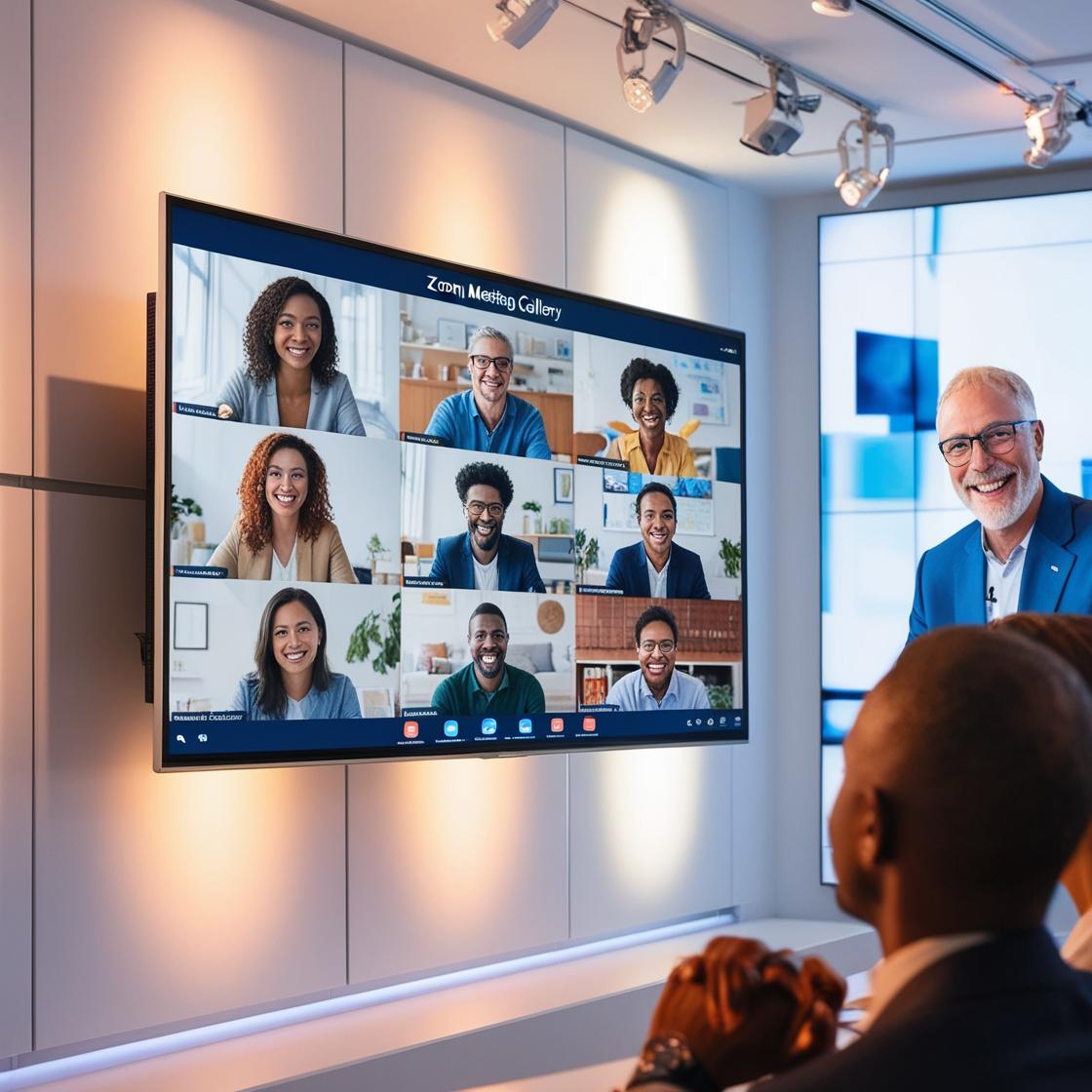
Monthly Access To The Uliked TV Blaster System That Easily Distributes Your TV Show To Amazon Fire TV + Roku TV + Google TV + Android TV + Mega Bonus To Potentially 4 Billion Android Mobile Phone Devices Worldwide
+ Mega Bonus
Your Own TV Show In The ULiked TV App
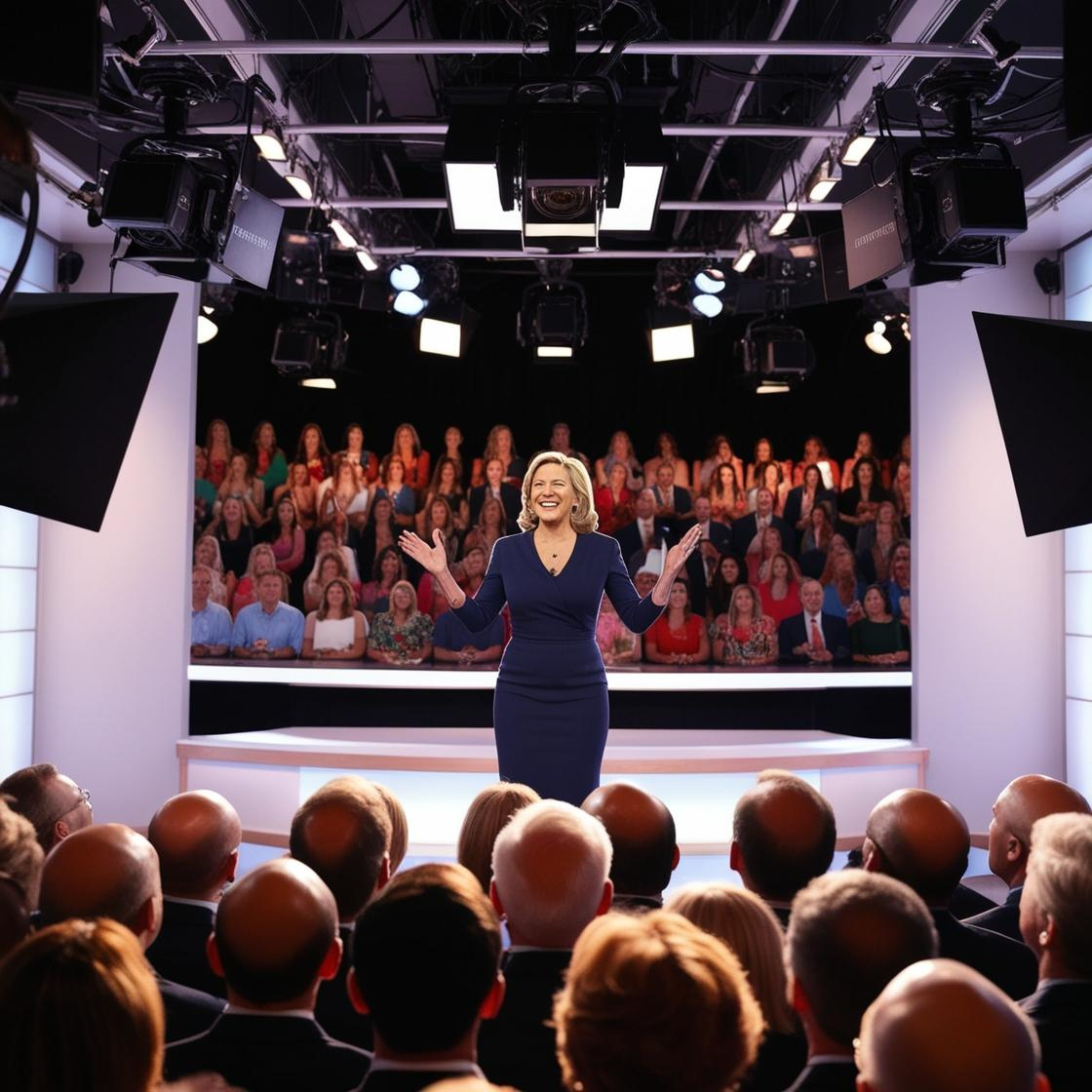
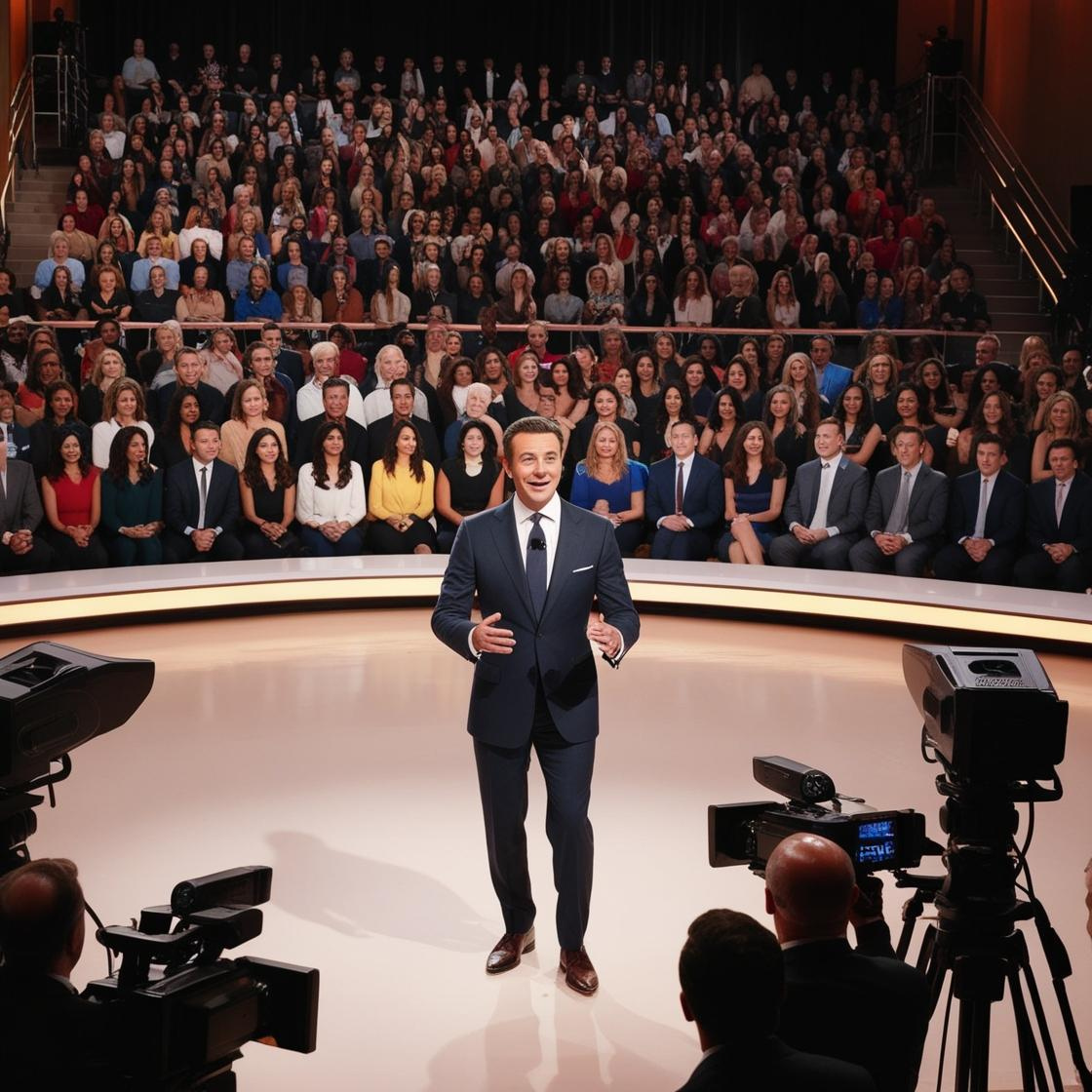
You Will Also Become A Featured Guest Speaker On Speakers On Edge TV Show “The Spotlight Sessions”
- You Will Tell Your Story – On Multiple TV Networks
- Your Show On Amazon Fire TV
- Your Show On Roku TV
- Your Show On Google TV & Android TV Devices
Plus Mega Special Bonus – Your Show Will Be Available On All Android Mobile Phones & Tablets – Viewing For Free To The Audience – Potentially 4 Billion Devices Worldwide Can Watch Your Show – Including “Your Spotlight Session Episode”
Frequently Asked Questions:
1: How Does The Pricing Work?
We Have 3 Factors To Include.
Broadcast Traffic: This Is The Flow Of Your MP3 Podcasts, MP4 Videos, & TV Show To The TV’s, Phones And Other Devices.
On Stage Storage: This Is The Amount Of Space Used By Your Videos.
Backstage Storage: This Is The Amount Of Space Used By Your MP3’s, png, jpg, srt & bif Files.
2: What Are Backstage Storage Files Used For?
MP3 = Podcast Files
png + jpg = Thumbnails That Show Your Episode Artwork On Devices Before People Click To Watch The Video
srt = Small Subtitle Text Files That Are Used For Those With Hearing Difficulties In Order To Comply With The American Disabilities Act
bif = Trickplay Files Required By Roku So When You Fast Forward You See A Thumbnail Of What’s On The Video At That Point In Time.
Our system is being setup to create the srt + bif files as an optional extra – so no tech is required. This will be available in March 2026.
3: Why Is There A Setup Fee?
The Setup Fee Covers All The Technical Work Required To Prepare Your Show For Broadcast Across Multiple TV Networks And Android Devices. This Includes Configuring Your Channel Inside Each Platform, Generating The Required Media Files, Connecting Your Storage And Delivery Systems, And Ensuring Everything Passes The Compliance And Formatting Checks For Amazon Fire TV, Roku TV, Google TV, Android TV And Android Mobile Devices. It Is A One-Time Process That Gets Your Entire Distribution Pipeline Built Properly So Your Episodes Publish Smoothly Going Forward.
4: Will Apple TV & Other TVs Be Included?
At This Stage It Will Be Approximately 6 – 12 Months Before We Include Apple TV. In Order To Develop For Apple Products, We Are Required To Invest In Apple Computers And Apple Devices. This Is Not Necessary At This Time As Apple Devices Can Use Our Website To View The TV Shows On All Browsers. It Is In Our Plans Though To Include Apple TV, Lg TV’s Operating System & Samsung TV’s As We Grow.
5: How Easy Is The System To Use?
Our System Is Form Driven, If You Can Fill Out Our Checkout Form, Then You Can Use Our TV Blaster System. We Have Deliberately Made The TV Blaster System Perfect For Non-Technical Content Creators. Our Goal Is To Make Getting Your Content Onto TV Simple And Easy For Everyone.
6: Is There Support?
Yes, Our Helpdesk Is Available 24/7 And We Respond Very Quickly During Business Hours Monday To Friday. Plus We Have Monitoring Systems In Place To Ensure The Reliability And Availability Of The Shows Is As Efficient As Possible.
7: Are There Advertisements Shown?
The TV Networks Amazon & Roku Reserve The Right To Interrupt The Show’s Broadcast On Their Networks To Include Advertisements That They Choose. The Number And Duration Of Advertisements Are According To The Regulations And Terms And Conditions Of The Broadcast Networks.
8: Do Creators Get Paid For The Inserted TV Network Advertisements?
No & Neither Do We.
9: Can Creators Include Advertisements In The Content?
Yes, You Can Include Product Placement, Sponsored Segments And Other Normal Inclusions. However, The TV Networks Request That We Do Not Provide A “Shopping Network” Type Of Show, So Pure Advertising Of Products Is Not Recommended.
10: Can We Include Our Website And Other Offers In Our Show?
Yes, This Is Welcomed And Recommended.
11: Can Content Creators Charge For Accessing Our Show?
If You Participate In The ULiked TV App, The Answer Is No. If You Purchase Your Own Apps From Us, Then The Answer Is Yes. There Are Additional Costs And Compliance Requirements When Including Subscriptions And In App Purchases Which Can Be Discussed If You Want. Simply Send Us A Contact Message And We Can Arrange To Answer Your Questions.
12: Is There A Refund Policy?
Our Payment Provider Requests A Maximum 60-Day Refund Period, However As This Is A Digital Service And To Allow For A Change Of Mind, We Will Not Start The Setup Until 72 Hours After Ordering. Once The 72 Hours Is Complete, The Refund Period Ends. This Means Once We Start Setting Up Your Show On Our TV Blaster System, There Is No Refund. By Ordering You Accept This Provision Knowing You Have Only 72 Hours To Request A Refund. Note: Should The Payment Provider “Stripe.Com” Not Provide A Refund For Their Fees, This Amount Is Deducted From Your Refund Request. We Do Not Accept The Costs Of The Stripe.Com Fees When Refund Requests Are Made.